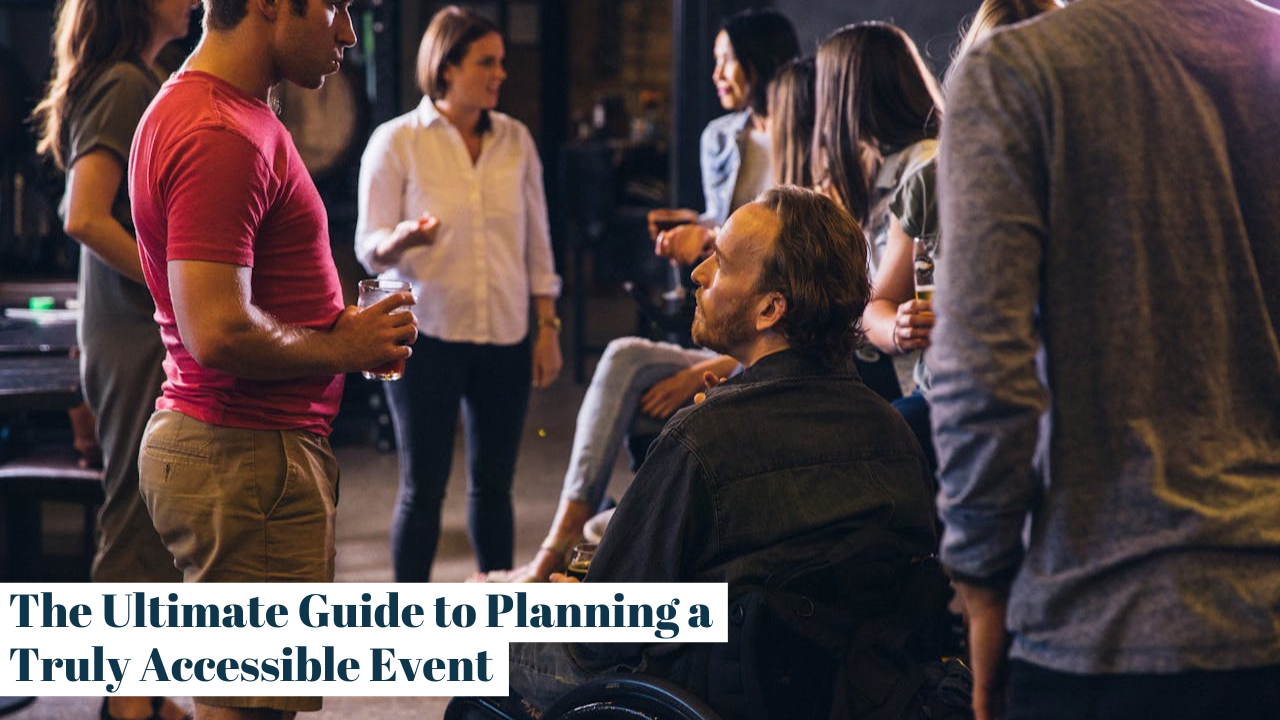
Making your event accessible is not just good practice — it is how you make sure everyone in your community can actually show up. This guide covers physical access, communication, finances, sensory needs, dietary requirements, staff training, and how to set up accessible ticketing and seating on TicketSource so the booking experience matches the welcome you want to give.
Every event organiser wants a full room. But a full room only happens when every person who wants to come feels genuinely able to. According to TicketSource's 2025 User Survey, 19.1% of organisers cite community as a primary motivation for running events, and 8.1% cite social justice and equality.
Accessibility is also practical. Disabled people in the UK represent a significant part of every community audience, and the barriers that affect them often affect others too: older attendees, parents with pushchairs, people with temporary injuries, attendees who are anxious in unfamiliar spaces. Getting accessibility right does not mean creating a separate experience for some people — it means creating a better experience for everyone.
The physical environment is where most organisers start — and rightly so. A venue that cannot be entered by everyone cannot be described as accessible, regardless of what else you do.
Before booking your venue, visit it in person and walk through the experience of someone using a wheelchair, someone with a visual impairment, or someone who finds stairs difficult. Look for:
If your venue has limitations — a step at the entrance, no lift to an upper floor — be honest about them in your event listing. An attendee who knows in advance that there is one step at the door can make an informed decision. An attendee who discovers it on the night cannot.
Include a dedicated accessibility section in your TicketSource event listing — below the main description but before ticket types. Describe the venue's access features specifically: "Step-free access via the side entrance on Church Street. Accessible toilet on the ground floor. Hearing loop installed in the main hall." Specific detail builds trust far more than a general "we welcome all attendees."
Accessible communication means making sure that the information about your event reaches everyone who might want to attend, in a format they can use.
Before the event
In your communications
Cost is one of the most significant barriers to attendance, and for many disabled attendees it is compounded: a wheelchair user who needs to bring a carer is effectively paying double for what a non-disabled person pays once.
Carer and companion tickets
A carer ticket is a free or heavily discounted ticket for a companion whose presence is required for a disabled person to attend the event safely. It is standard practice at professional venues and increasingly expected at community events.
On TicketSource, adding a carer ticket tier takes minutes. You can set a separate ticket type at £0 (or a nominal price if that is your policy), give it a clear label — "Carer Ticket", "Companion Ticket", or "Essential Companion" — and limit availability so it is used correctly.
To add a carer ticket tier: go to Events > Create Event > Ticket Types and add a new ticket type called "Essential Companion Ticket" priced at £0. In the description field, add a short note: "For essential carers and companions attending with a disabled ticket holder. One companion ticket per paid ticket purchased." This sets clear expectations and reduces misuse.
Concession pricing
A tiered pricing structure — full price, concession, and unwaged or low-income — removes the cost barrier for a wider group of attendees. Concession pricing on TicketSource works the same way as any other ticket type: set the price, give it a clear label, and let buyers self-select.
You do not need to verify eligibility for concession tickets. Most community event organisers operate on a trust basis — and the vast majority of people who select a concession price genuinely need it.
If your event includes food or drink — a charity dinner, a fundraising quiz night, a festival with food stalls — dietary accessibility matters just as much as physical accessibility. An attendee who cannot eat anything on offer at your event is not really included.
Add a custom checkout question in TicketSource under Events > Create Event > Additional Questions. Set it as a free-text field with the prompt: "Please let us know if you have any dietary requirements or access needs we can help with." This covers both dietary and accessibility needs in a single, non-intrusive question that appears at checkout for every buyer.
Sensory accessibility is often overlooked, but for attendees with autism spectrum conditions, sensory processing differences, anxiety disorders, or certain visual or hearing impairments, the sensory environment of an event can determine whether they can attend at all.
Master your ticket sales with our daily expert tips. It's completely FREE - no credit card needed! We promise zero pressure and easy unsubscribing. Join the Challenge and transform your results today.

The booking experience is part of the event. An attendee who cannot navigate your ticketing process, cannot find information about accessible seating, or cannot get through to anyone with a question is already excluded before they have set foot in your venue.
Marking accessible seats on your seating plan
If your event has reserved seating, TicketSource's free Seating Plan Designer lets you mark wheelchair spaces directly on your venue map. These spaces are displayed with a wheelchair symbol and are clearly visible to all buyers at the point of booking — so the seats that need to remain available for wheelchair users are never accidentally sold to someone else.
You can also designate companion seats alongside wheelchair spaces, so a disabled attendee and their carer can select adjacent seats together in a single booking rather than having to contact you separately to arrange it.
"The seating plan is not just about managing a room — it is about giving every attendee the confidence to book. When a wheelchair user can see exactly where their space is, who they will be sitting next to, and that the space is genuinely available, they book with confidence rather than calling ahead to check. That is the kind of experience that brings people back."
- Phill Picton, Business Development Manager, TicketSource
In the TicketSource Seating Plan Designer, select any seat and set its type to Wheelchair Space. It will display with a wheelchair symbol on the public-facing booking map. Place companion seats directly adjacent and label them accordingly. If your event does not use reserved seating, note in your event description the number of wheelchair spaces available and how to request one.
Accessible online booking
TicketSource's booking flow is designed to work with screen readers and keyboard navigation. For attendees who use assistive technology, this means the booking process does not require a separate accessible version or a workaround.
In your booking confirmation email, include:
For attendees who cannot book online
Not every attendee can book online. Some disabled people prefer to book by telephone, have limited internet access, or have a support worker who makes bookings on their behalf. TicketSource's free telephone box office means there is always a real person available to take a booking on behalf of any attendee who cannot or does not want to book digitally.
This is particularly important for community events where your audience includes older attendees, people with low digital confidence, and those who simply prefer human contact. The telephone box office handles the call so your committee does not have to.
"An accessible event is one where everyone has a genuine route in — not just the people who are comfortable booking online. Mentioning the telephone box office in your event listing, alongside the accessible seating and carer ticket information, signals to attendees that you have genuinely thought about them. That signal matters before anyone has bought a ticket."
- Terry Rosoman, Head of Marketing, TicketSource
Everything you plan in advance only works on the night if your team knows what to do. A well-intentioned event can still feel unwelcoming if the volunteers on the door do not know where the accessible entrance is, or if a staff member responds awkwardly to an access request.
The final check before your event opens is whether everything you planned has actually been set up correctly. Walk the access route yourself before attendees arrive.
If something goes wrong on the night — a lift fails, the hearing loop is not working, a promised quiet room has been used for something else — communicate it immediately to affected attendees and offer a genuine alternative. Honesty and a prompt response always outperform silence.
An accessible event is not a more complicated event. It is a more thoughtful one — and the community you build when everyone genuinely feels welcome is far richer than one that has quietly excluded people who stopped trying to come.
Start Selling Tickets Today
Start your free account with TicketSource today to set up accessible seating, carer ticket tiers, and custom checkout questions for your next event. Or get in touch with our team to discuss how to set up your event for every attendee.
How do I add wheelchair accessible seats to my TicketSource event?
If your event uses reserved seating, open the TicketSource Seating Plan Designer and select any seat to set its type to Wheelchair Space. It will display with a wheelchair symbol on the buyer-facing booking map, so attendees can see exactly where accessible spaces are located and whether they are available. You can place companion seats directly adjacent so a wheelchair user and their carer can book side by side in a single transaction.
How do I set up a free carer ticket on TicketSource?
Go to Events, select your event, and add a new ticket type under Ticket Types. Set the price to £0 and label it clearly — "Essential Companion Ticket" or "Carer Ticket" both work well. Add a short description explaining that the ticket is for essential carers attending with a disabled ticket holder, and limit availability if you want to ensure it is used appropriately. The carer ticket will appear alongside your other ticket types at checkout.
What if an attendee cannot book tickets online?
TicketSource's free telephone box office is available for UK organisers. Any attendee who cannot or does not want to book online can call to have their booking handled by a real person. Mention the telephone box office number in your event listing and confirmation emails so attendees who need it can find it easily. You can also take bookings directly through your TicketSource dashboard for attendees who contact you by other means.
Do I have to offer carer tickets at my event?
There is no universal legal requirement for community event organisers to offer free carer tickets, though the Equality Act 2010 requires all event organisers to make reasonable adjustments for disabled people. Offering a carer ticket is widely considered a reasonable adjustment and is standard practice across professional venues. For community events, it is both good practice and a strong signal of genuine welcome — and it is simple to set up.
How do I collect access and dietary information from attendees at booking?
Add a custom question to your TicketSource checkout under Events, then Additional Questions. A free-text field with the prompt "Please let us know if you have any dietary requirements or access needs we can help with" covers both needs in a single, non-intrusive question. The responses appear in your attendee report so you can act on them before the event day.
Get free professional advice and information regarding event organising sent straight to your inbox.

You may opt-out of future TicketSource emails at any time using
the unsubscribe link within the email.
Read our Privacy Policy here.
An easy to use, free online event ticketing system for any type of venue or event. Promote, manage and sell your event tickets online ‐ all for free!

Rebecca Collis is a content writer for TicketSource, based in Cardiff. She specialises in events and marketing. With a wealth of experience under her belt, including bylines in The Guardian and The Sun, she has a professional history of producing content across a range of digital platforms.