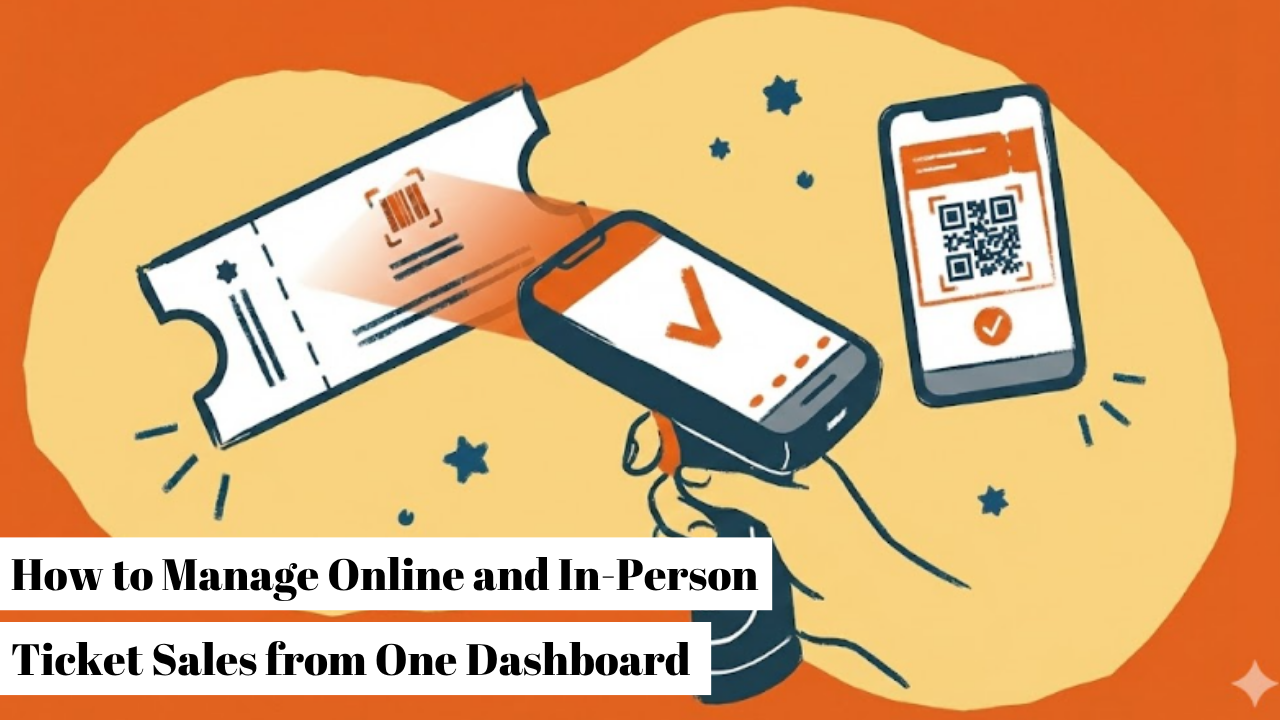
When some of your tickets sell online and others sell in person, the two need to talk to each other. With TicketSource, every ticket comes out of the same allocation, whether it was booked weeks ahead or bought on the day, so you never sell the same ticket twice.
Two people arrive at your summer fair, both holding a ticket for the last place on the 3pm garden tour. One booked online over breakfast. The other paid a volunteer at the gate ten minutes ago. Then comes the awkward conversation, the apology, and the scramble to find a spare ticket while the tour leaves without them. It happens when in-person and online sales are counted separately. Your online page keeps selling tickets that have already gone, and your list on the day is out of date the moment someone books online. Plenty of organisers play it safe by taking their event off sale online a day or two early, but that just turns away everyone who would have booked at the last minute.
There's a simpler answer: one system that records both. In this article, we'll explain what goes wrong when in-person and online sales aren't linked, how TicketSource joins them up, and what that looks like on the day.
*We're TicketSource, and we've helped organisers sell over 100 million tickets, online and on the day, so we've seen just about every way this can go wrong (and right). If you'd like to see how it works, you can sign up for free, with no obligation.
If you've ever run online sales alongside a separate list on the day, at least one of these will sound familiar.
1. Selling the same ticket twice
When your tickets are counted in two places, neither count is right. The online page has no idea what's been sold in person, so it keeps selling tickets that have already gone.
2. Two sets of numbers to reconcile
After the event, somebody has to add up the online sales and the in-person sales and work out why they don't quite match. Every time. For every event.
3. Buyers you can't reach again
A sale noted down on a list rarely comes with an email address. That person enjoyed your event, but you've no way of telling them about the next one.
Every one of these comes from the same thing: two counts that don't talk to each other.

So what changes when both run through the same place?
With TicketSource, you record in-person bookings straight into your dashboard, either on a laptop or by logging in on your phone's web browser. Each one comes out of the same ticket allocation as your online sales, so the moment a ticket is sold on the day, it's gone from your online count too.
Say you've sold 250 tickets online and expect another 50 on the day. Each of those 50 comes off the same count the moment it's booked, so your event page always shows what's genuinely left, and nobody has to keep an eye on two lists at once.
It also means:
Phill Picton, TicketSource's Business Development Manager, helps organisers set this up every week:
"You don't need to take your event off sale online to account for walk-ups. Keep your online sales open right up until the start time, record your in-person bookings as they happen, and everything comes off the same count."
For you, that means more last-minute sales, and no awkward conversations on the day.
Here are four simple changes that let your volunteers run the whole thing from their phones.
1. Put a QR code at the entrance
Display your event's QR code where people arrive. Anyone who didn't book ahead scans it, buys on their own phone, and goes straight in with everyone else. Because they fill in their own details, you get their contact information without anyone standing over a form.
Put a second QR code where the queue forms, so people can buy while they wait.
2. Run separate queues for ticket holders and buyers
One queue for people who already have tickets, one for people who still need to buy. Ticket holders go through the free TicketSource scanning app, which is far quicker than checking names against a printed list. Buyers either use the QR code or buy from a volunteer, who records the booking in the dashboard. Either way, the people who booked ahead never wait behind someone who's still paying.
Label your queues. Two simple signs reading "Got a ticket?" and "Need a ticket?" save your volunteers repeating themselves all day.
The scanning app earns its keep before the event, too. Peter Dixon from The Funny Way to be a Comedy Club explains:
"You can download a scanning app on your phone for checking in tickets on the night, but I keep the app on my phone because it's a quick way of finding out how many tickets have sold in the run-up to each show... It's particularly useful when you're away from the office, especially as a big show can sell out in a day."
- Peter Dixon, The Funny Way to be a Comedy Club
3. Take an email address and marketing consent with every in-person booking
When a volunteer books someone in, taking an email address takes seconds. Ask whether they'd like to hear about future events at the same time, and record their answer. With their consent, a one-off walk-up becomes someone you can invite back.
Give your volunteers one line to use with every booking: "Can I take an email for your booking, and would you like to hear about our future events?" It's much easier to ask when it sounds like part of the process.
4. Reward people who book ahead
Set a cheaper advance price that stops at a time you choose, and an on-the-day price that starts at the same moment. The switch happens automatically. People who book ahead pay less, people who buy on the day pay a little more, and because there's a reason to book early, more people do. Our guide to early bird pricing explains the options in more detail.
Mention the on-the-day price on your event page and in your social posts. The saving only gets people booking early if they know about it before the day.
Put together, these four changes mean everyone who booked gets in quickly, everyone who didn't can still buy, and every ticket comes off the same count.
Master your ticket sales with our daily expert tips. It's completely FREE - no credit card needed! We promise zero pressure and easy unsubscribing. Join the Challenge and transform your results today.

Once everyone's gone home, a joined-up system keeps paying off.
Because in-person sales sit in the same dashboard as your online sales, your reports show both side by side. You can see how many people paid the on-the-day price, and how your audience split between booking ahead and buying on the day. If too many are leaving it to the last minute, that's your cue to push early bird promotion harder next time. If your crowd simply likes to turn up on the day, you'll know to plan for it.
It feeds straight into your marketing as well. 37.9% of organisers who responded to our User Survey said marketing and promotion is their biggest challenge, and every in-person buyer who's happy to hear from you is one more person you can tell about your next event. Terry Rosoman, TicketSource's Head of Marketing, puts it this way:
"Most people think of the day itself as the end of the process. It's actually the start of the next one. Every in-person sale with no email attached is someone who enjoyed your event and who you'll never be able to invite back. A joined-up system goes further than the day of your event. It also helps you plan for the future."
That's why linking your sales pays off twice: a smoother day, and a longer list of people to invite next time.
Everything in this article comes as standard with a TicketSource account: online sales, in-person bookings, QR codes, the free scanning app and automatic price changes. There are no pricing tiers and no paid add-ons, so it's all there from your very first event.
Running online and in-person sales from one place doesn't need specialist kit. You need:
Setting up somewhere without a permanent ticket desk? Our guide on how to set up a pop-up box office covers the practical side.
Start Selling Tickets Today
Start your free account with TicketSource today and run your online and in-person sales from one dashboard, or get in touch with our team to talk through the best setup for your event.
Can I keep selling tickets online on the day of my event?
Yes. Because online and in-person sales come out of the same allocation, you can keep online sales open right up until your start time.
How do I record in-person bookings?
Log in to your TicketSource dashboard on a laptop, or on your phone's web browser, and add the booking there. Each booking comes off the same ticket count as your online sales, so the number of tickets left is always accurate.
Can I take card payments in person?
Yes. TicketSource integrates with Stripe Terminal, so you can take card payments on the day through the same system as your online sales.
Is there a booking fee on in-person sales?
Not from TicketSource. In-person bookings aren't subject to TicketSource booking fees. If you'd like to add your own fee to in-person bookings, you can.
What if my venue has no signal?
There's an option for that. The scanning app works over Wi-Fi or mobile data, and for venues without a connection there's Ticket Express for Windows. It downloads your attendee list in advance and checks tickets against a copy stored on your computer, so you can keep scanning even when there's no signal.
What happens when my event sells out?
It's sold out everywhere, online and in person, so two people can never end up with the same ticket. If you switch on the waiting list, anyone who missed out can register their interest, and you can get in touch if tickets come back.
Get free professional advice and information regarding event organising sent straight to your inbox.

You may opt-out of future TicketSource emails at any time using
the unsubscribe link within the email.
Read our Privacy Policy here.
An easy to use, free online event ticketing system for any type of venue or event. Promote, manage and sell your event tickets online ‐ all for free!

Allie is a freelance writer and editor based in South Wales. Working within the arts industries for the past couple of years, she has written and edited content on attractions and events across the UK. She enjoys staying up to date with the latest performances in her hometown and spreading the word about exciting events taking place nationwide.